Token Search
Look up tokens by mint address and subscribe to live price updates directly in PumpKit.
How It Works
1. Open the Token Search
- Click the “Search Token” input field.
- The Search Panel will open.

2. Enter Mint Address
- Paste or type the token’s mint address.
- PumpKit finds the token’s pair and loads its price data.

Supported platforms:
- Pump.fun
- Bonk.fun
- PumpSwap AMM
- Raydium CPMM
3. Select Token
- Click on the search result to set it as the Active Token.
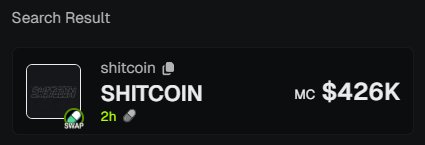
This will:
- Close the panel
- Subscribe to real-time price updates
- Show the token in your Price Monitor Panel
4. Stop Monitoring
- Open the Search Panel again.
- Click Clear next to the Active Token to stop tracking.
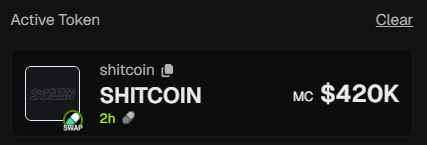
Recent Tokens
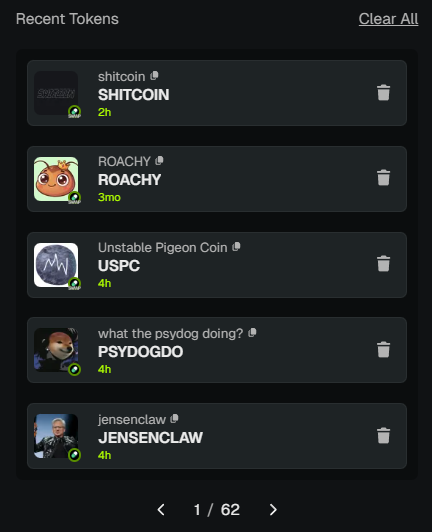
The Search Panel also keeps a Recent Tokens list of your previously active tokens.
You can:
- Click a token to reactivate monitoring instantly.
- Remove tokens individually using the 🗑 icon.
- Use Clear All to reset your history entirely.
💡 Notes & Tips
- Trending Tokens lets you switch tokens with one click.
- History works as a quick shortcut for tokens you monitor often.
- Clearing history doesn’t affect your current Active Token.
- Always make sure the token is supported on one of the listed platforms before trading.