Clone Token
Copy token metadata from an existing token to quickly create similar token.
Access
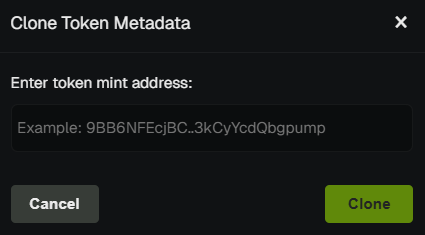
Click the Clone button in the Trade Panel (Create tab area).
Overview
Clone Token copies the metadata of any Solana token into the Create Token form. Use it to launch a new token with similar name, symbol, description, and social links without re-typing.
What Gets Copied
- Name - Token name
- Symbol - Token symbol
- Description - Token description
- Twitter - Twitter/X handle
- Telegram - Telegram link
- Website - Website URL
- Image - Token image (if available)
How to Use
- Use Token Search to find and monitor the token you want to clone.
- Switch to the Create tab.
- Click Clone.
- Review and edit the copied metadata as needed.
- Select launchpad, wallets, and amounts.
- Launch your new token.
info
Cloning only copies metadata. You still choose the launchpad, wallets, and buy amounts yourself.
💡 Notes & Tips
- Edit before launching - Always review and adjust name/symbol to avoid duplicates.
- Useful for series or variants of a successful token.
- Image may not always copy depending on source - verify before launch.