Open Create Token
Open the Create Token window to set up name, image, wallets, and buy amounts before you launch.
Getting Started
Open the Create Token window:
- Desktop — click + on the left rail of launched tokens.
- Mobile — tap the rocket in the bottom bar.
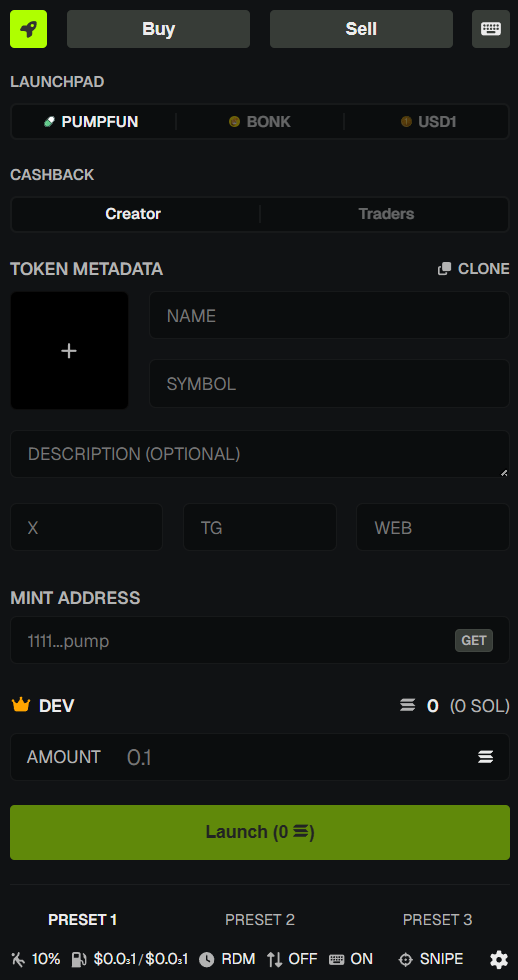
Three steps: name and image → wallets and amounts → review and launch.
What You’ll See
- Launchpad — Pump.fun (SOL or USDC) or Bonk.fun (WSOL or USD1). Where the token launches.
- Token details — name, ticker, image, description, socials.
- Clone — copy those details from another token.
- Dev buy — how much your Dev wallet spends (step 2).
- Snipers — extra wallets that can buy at launch (step 2). Optional.
💡 Notes & Tips
- Name, ticker, and image cannot be changed after launch. Check them twice.
- You need a Dev wallet. If you don’t have one, create it in Wallet Manager first.
- Tokens you already launched stay on the left rail so you can click back to them.